Most business owners do not find out their website was hacked from a security tool. They find out from a customer who says "your site sent me to a strange page", or from Google showing a red warning before anyone can enter. By then the damage has already started: lost visitors, lost trust, and sometimes lost rankings that took years to build.
If you are asking "is my WordPress site hacked?", this guide lists the 9 signs that a WordPress website has been hacked, the steps to take in the first hour, and how to stop it from happening again. It is part of the WordPress Websites & Care section, and it is written for owners of company websites and WooCommerce stores in Saudi Arabia and Qatar.
In short: if you see spam pages in Google, redirects to strange sites, admin users you did not create, or a warning from Google or your host, treat it as a hack. Do not delete anything. Take a copy of the site as it is, change every password, and clean or restore from a clean backup. Details below.
Last updated: November 2026
Is your WordPress site hacked? 9 signs to check
1. Google shows a warning on your site
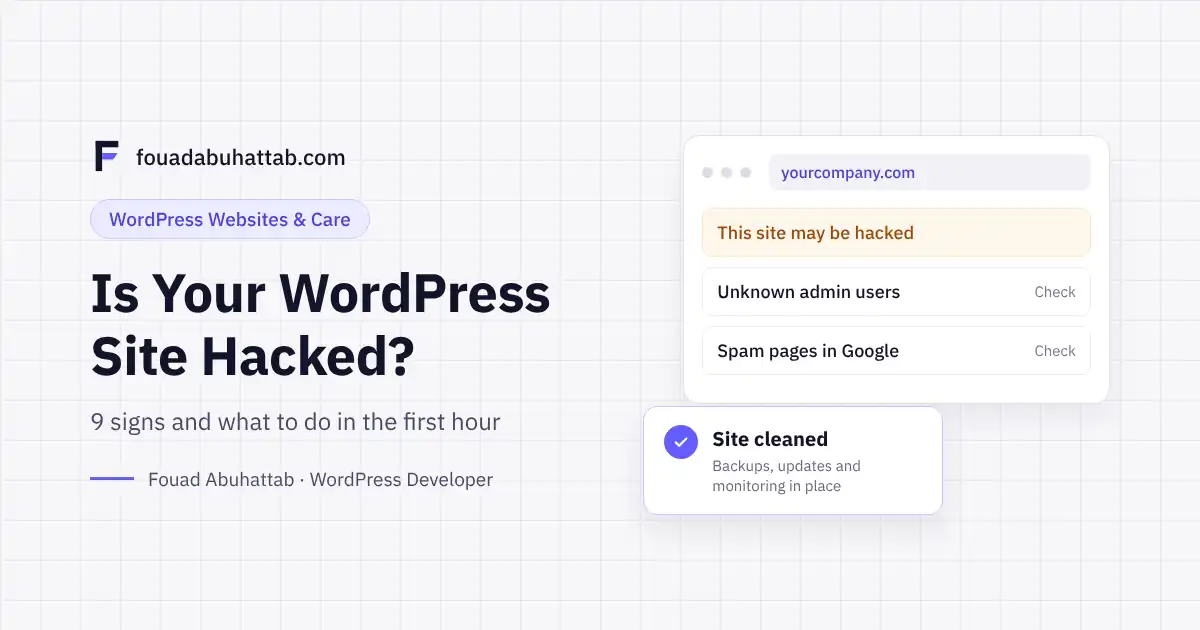
A red page saying "Deceptive site ahead", or the line "This site may be hacked" under your result in Google. Open Google Search Console and check Security & Manual Actions > Security issues. If Google found malware or hacked content, it will be listed there with example URLs.
2. Visitors are redirected to other websites
Some hacks only redirect visitors who come from Google, or only visitors on mobile, so you may not notice it when you type your address directly. Test from your phone, on mobile data, by searching your company name in Google and clicking the result.
3. Spam pages appear under your domain
Search Google for site:yourdomain.com. If you see pages in Japanese, pages selling medicine, or product names you never sold, the attacker has created pages on your site to rank spam. This is one of the most common hacks, and it badly hurts your rankings.
4. Admin users you did not create
Go to Users in your dashboard and filter by Administrator. Any account you do not recognize is a serious sign, even if it has a normal-looking name like "wpadmin" or "support".
5. A warning or suspension from your hosting company
Hosting companies scan for malware and for servers sending spam email. If your host sends a warning, limits your account, or suspends the site, take it seriously and ask them for the exact files they flagged.
6. Your company email goes to spam or bounces
If the site is used to send spam, your domain ends up on blacklists. Clients stop receiving your quotations and invoices, and you may not know why.
7. Sudden slowness or high server usage
A website that becomes slow overnight, with no new plugin or traffic campaign, may be running hidden scripts. Hacked sites are often used for spam sending or crypto mining in the background.
8. Unknown files, plugins or code
Plugins you never installed, PHP files inside the wp-content/uploads folder (which should hold images, not code), or strange code at the top of functions.php or index.php. A security scanner will usually point to these files.
9. Payment problems in a WooCommerce store
For stores, the most dangerous hack is the one that steals payment data. Warning signs: customers report card fraud after buying from you, the checkout page shows an extra or different card form, or payment settings change without your knowledge. If you see any of these, stop taking card payments on the site until it is checked.
What to do in the first hour
The order matters. Many owners make the problem worse by deleting files or restoring an old backup before understanding what happened.
- Do not delete anything yet. Take a full copy of the files and the database as they are now. You need it to find how the attacker got in.
- Change every password: hosting panel, WordPress admins, FTP or SFTP, the database, and the email accounts on the domain. Use a password manager and long unique passwords.
- Remove unknown admin users and check the email address on every remaining admin account.
- Put the site in maintenance mode if it redirects visitors or shows spam, so customers do not see it while you work.
- Tell your hosting company. They can show you server logs and flagged files, and some hosts help with cleaning.
- Scan the site with a trusted security plugin or the host's scanner, and list every infected file.
- Clean or restore. If you have a backup from before the hack, restore it, then update everything immediately. If not, the infected files must be cleaned by hand and the core files replaced with fresh copies from WordPress.org.
- Close the hole: update WordPress, the theme and all plugins, delete unused plugins and themes, and remove any "nulled" (pirated) plugin. Pirated plugins are one of the most common ways attackers get in.
- Ask Google to review the site. After cleaning, use the Security issues report in Search Console to request a review, and remove spam URLs with the Removals tool if they are still showing.
Why WordPress sites get hacked
WordPress itself is secure when it is kept up to date. Most hacks come from the same few causes:
- Outdated plugins and themes with known security holes.
- Pirated themes and plugins downloaded from unofficial sites, which often include hidden backdoors.
- Weak or reused passwords, especially for admin and hosting accounts.
- Old WordPress installs left on the same hosting account, such as a test copy nobody updates.
- Cheap shared hosting with poor isolation between accounts.
What a hack really costs a business
The cleaning itself is only part of the cost. A hacked company site loses enquiries for days or weeks, its email can be blacklisted, and spam pages can push its real pages down in Google for months. For a store, a payment data leak can mean chargebacks, payment gateway suspension and lost customer trust.
Prevention is much cheaper. Regular updates, daily off-site backups, uptime monitoring and a security scan cost a fraction of one emergency clean-up. This is exactly what my maintenance plans cover, starting from $49 per month for informational websites and $99 for business websites and stores.
Think your site may be hacked? Send me the link and what you noticed. I will check the signs and tell you what happened and what it will take to clean it. Request a site check
How to protect your site after cleaning
- Keep WordPress, the theme and plugins updated, and check them every week.
- Keep at least 30 days of daily backups stored outside the hosting server.
- Use two-factor authentication for every admin account.
- Limit admin accounts to the people who really need them.
- Install only plugins from WordPress.org or the developer's official site.
For the full checklist, read my guide to 9 steps to secure your WordPress website.
Frequently asked questions
Will Google remove my site from search results because it was hacked?
Google may show a warning and lower the visibility of affected pages while the hack is active. After the site is cleaned and Google approves the review request, the warning is removed and rankings usually recover over the following weeks.
Is restoring an old backup enough?
Only if the backup is from before the infection and you fix the cause right after restoring. If the outdated plugin or weak password that let the attacker in is still there, the site will be hacked again within days.
How long does cleaning a hacked WordPress site take?
A simple infection can be cleaned in a few hours. Sites with hundreds of spam pages or deep backdoors can take one to three days, plus the time Google needs to review the site.
Was my customers' data stolen?
It depends on the type of hack. Spam and redirect hacks usually do not touch customer data, but a store with a changed checkout page may have leaked card details. Check your obligations under the personal data protection law in Saudi Arabia or Qatar and inform your payment gateway.
Can a security plugin alone protect my site?
A security plugin helps, but it does not replace updates, backups and strong passwords. Most hacks happen on sites that had a security plugin installed but were never updated.
Do not wait for the next warning
If your website brings you clients or sales, its security is part of your business, not a technical detail. Explore my WordPress maintenance and support service, or if the site is already hacked, see my WordPress troubleshooting service and book a 30-minute call to plan the clean-up.